Често задавани въпроси
Поддръжка
Често задавани въпроси
Къде мога да получа помощ, когато имам нужда от техническа поддръжка?
Предпродажбена поддръжка
-
Опитен екип за решения: Neuftech разполага с утвърден екип от специалисти, старши инженери и богат практически опит. Ние предлагаме ефективни, професионални и цялостни персонализирани решения според нуждите на клиента.
-
Оптимизация на стойността: Диференцираните технологични нужди съществуват винаги, но ние правим всичко възможно да ви помогнем да оптимизирате избора си на продукти и да постигнете максимална възвръщаемост на вашата инвестиция.
Следпродажбено обслужване
Инженерният екип на Neuftech предоставя цялостна техническа поддръжка целогодишно, отговаряйки бързо на обратната връзка от клиентите и своевременно обработвайки заявките за помощ. Чрез консултации и насоки от нашите технически инженери и посещение на място при необходимост, ние бързо отстраняваме възникнали въпроси при експлоатация, за да възстановим оборудването ви в работен режим без забавяне.
How to connect the code scanning gun with the purchase, sales and inventory software
The code scanning gun is a bar code recognition device. Some can scan two-dimensional codes and one-dimensional codes. Using the code scanning gun in the purchase, sales and inventory software to scan the warehousing and warehousing code is the most basic operation. How to connect the code scanning gun in the warehouse software?
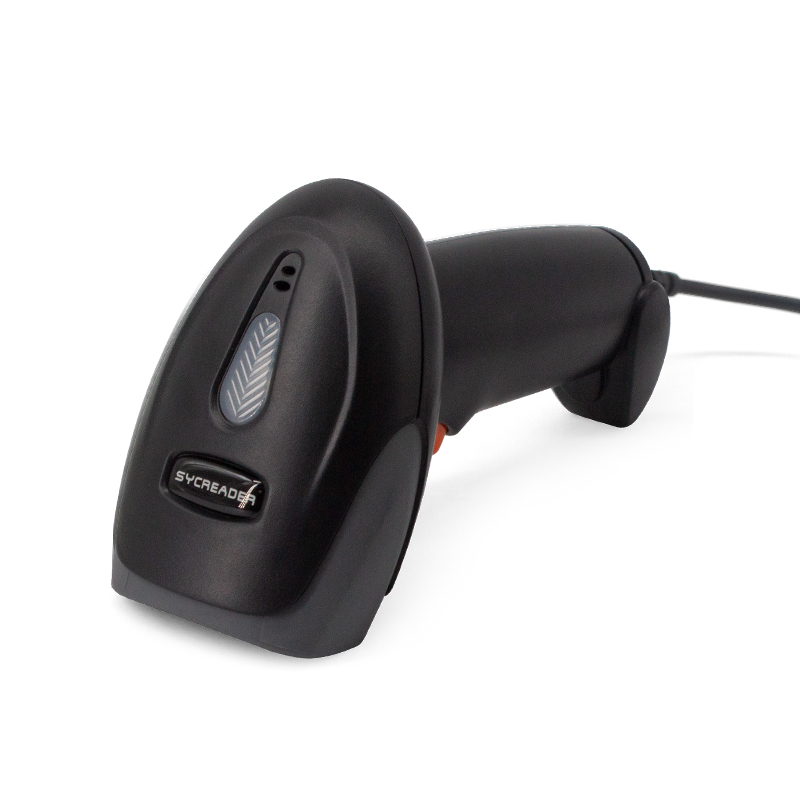
First, we need to connect the code scanning gun to the USB interface of the computer. There are also some wireless code scanning guns. We just need to plug the receiver into the computer. Wired and wireless are used in the same way, but they are connected differently from computers. After connecting the computer, you can use it directly without installing any driver software. We can test and scan the bar code of any commodity on word, notepad and other software on the computer. If we can scan the digital string of the barcode, it means that the connection has been successful. Secondly, it is applied in warehouse software, and the use method is also very simple. First, set the barcode of each commodity in the commodity data management interface, then find the box for scanning the barcode on the billing interface, scan it against the commodity barcode, and complete the use of warehouse software and scanning gun.